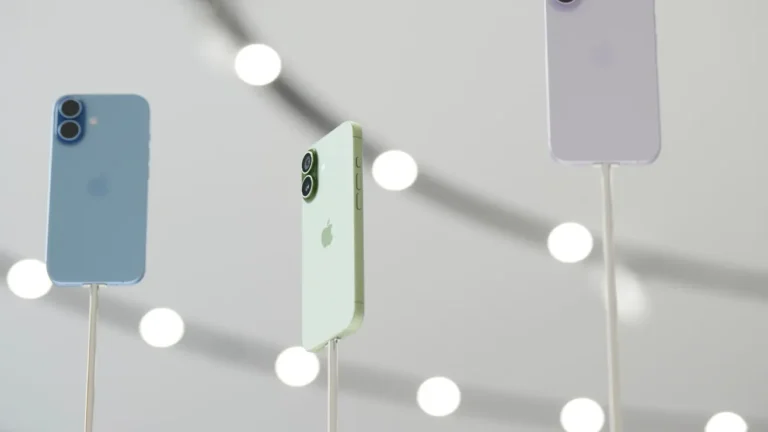

What function can you activate by touching the Apple on your iPhone?

7:08 pm
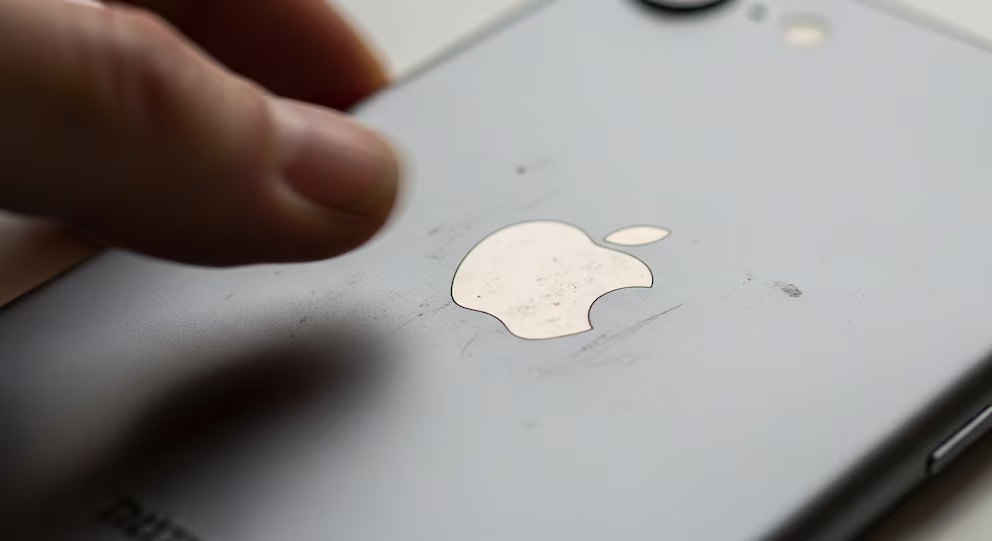
Apple incorporated in its iPhone a function that facilitates access to essential tools through gestures on the back of the device. One of the most practical utilities is the possibility of turning on the flashlight with just two taps in the area where the apple characteristic of the Apple logo is located. This function, initially designed for accessibility, has become popular among those seeking speed and convenience.
How to activate the flashlight by tapping the back
The function is called ‘Back Tap’ and is available from recent iOS versions. It allows you to configure specific actions by giving two or three gentle taps on the back of the iPhone. To activate it and assign the flashlight, you must follow a few simple steps:- Open the Settings app on the iPhone.
- Go to the Accessibility section.
- Within Accessibility, select the ‘Touch’ menu.
- Choose the ‘Back Tap’ option.
- Select whether you want to use two or three taps.
- Choose ‘Flashlight’ from the list of available actions.
Customizing Actions with ‘Tap Back’
Beyond the flashlight, the ‘Back Tap’ function allows you to customize gestures to perform various actions. The user can assign a function for two taps and another different one for three taps. Among the available options are:- Take a screenshot.
- Open a specific application.
- Access the device’s search engine.
- Lock the screen.
- Activate other useful iOS features.
Alternatives: Voice Commands with Siri
In addition to physical gestures, Apple offers the possibility of turning on the flashlight via voice commands through Siri. The basic command is “Hey Siri, turn on the flashlight”, which activates the light immediately. For those looking for a touch of fun, there is also the option of saying “Hey Siri, Lumos Maxima”, in reference to the spell from the Harry Potter saga that produces light in the stories. Although some users have pointed out that Siri may have limitations in certain contexts, this function is useful when hands are occupied or physical access to the device is not feasible. Siri also allows you to turn on the flashlight using custom voice commands.Immediate Solutions for Everyday Situations
The integration of gestures and voice commands for functions like the flashlight responds to the demand for agile and intuitive solutions. Many users experience the need to quickly access light in unforeseen situations, where traditional accesses can be impractical. The new methods reduce the necessary steps and allow action even in low-light conditions or when the device is busy with other tasks. The ‘Back Tap’ function is thus added to Apple’s accessibility and personalization ecosystem, improving the user experience and offering effective alternatives for everyday use.
Yerandi Santana es una periodista dominicana, graduado de Comunicación Social en la UASD. Ha trabajado en medios como TNI Canal 51, CDN y De Último Minuto, desarrollando experiencia en periodismo digital y televisivo.


#Most read
- 1.84% of teenage girls in Spain fear that AI will use their photos to create fake sexual content
- 2.Roberto Ángel Salcedo heads the first preparatory meeting for the 2026 carnivals
- 3.Apple equips its AirPods with translation in English, Spanish, Portuguese, French, and German
- 4.NASA launches three missions to map the heliosphere and study the solar wind
- 5.Nvidia: From Video Games to the World’s Summit as a Colossus of Artificial Intelligence
- 6.Melissa Medina was accompanied by a 60-year-old man and a Venezuelan friend at the time of her death
- 7.Meet the 10 participants of “La Casa de Alofoke”
- 8.Alofoke’s House 3, return of an impact phenomenon
- 9.Colombian boxer Andrés Pérez wins two international titles after knockout in Dominican Republic
- 10.“I’m going to gain so much weight”: Mamdani tries Colombian food in Queens

Newsletter
Subscribe to our newsletter to receive our latest articles instantly!
This site is protected by reCAPTCHA and the Google Privacy Policy and Terms of Service apply.